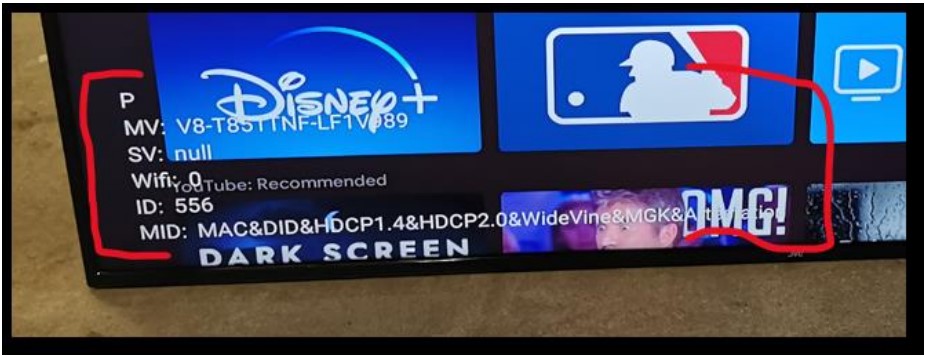
How to remove Factory Mode from Screen? Ricky Jordan June 10, 2025 22:29 Updated Go to factory menuA) Press settings button under HDMI sourceB) Picture & Display->Picture Adjustment->Advanced Settings->Brightness->ContrastC) Press “1950” on ContrastD) Factory Hotkey: Factory Mode Switch “Off” Related articles JVC TV Freezes on the Logo or Stuck on Startup Screen Roku TV & App – Login or Account Issues JVC TV – Firmware Updates How do I perform Hard Reset on a Roku TV? Comments 0 comments Article is closed for comments.

Comments
0 comments
Article is closed for comments.